Subscription process for API monitoring
After your account has been set up, a Free plan is active by default. For a Free plan, no billing information is required. For customers who want to upgrade from the Free plan to a Basic or Pro plan, the process is straightforward. All you have to do is choose a subscription plan and complete the purchasing process. This article walks you through this process.
Navigate to the billing screen
To reach the Billing screen, click the Subscriptions button next to your profile.
The Plans menu appears.
Choose a subscription
- On the Billing screen, select the plan to upgrade to. Alternatively, you can select Contact sales for the Unleashed plan.
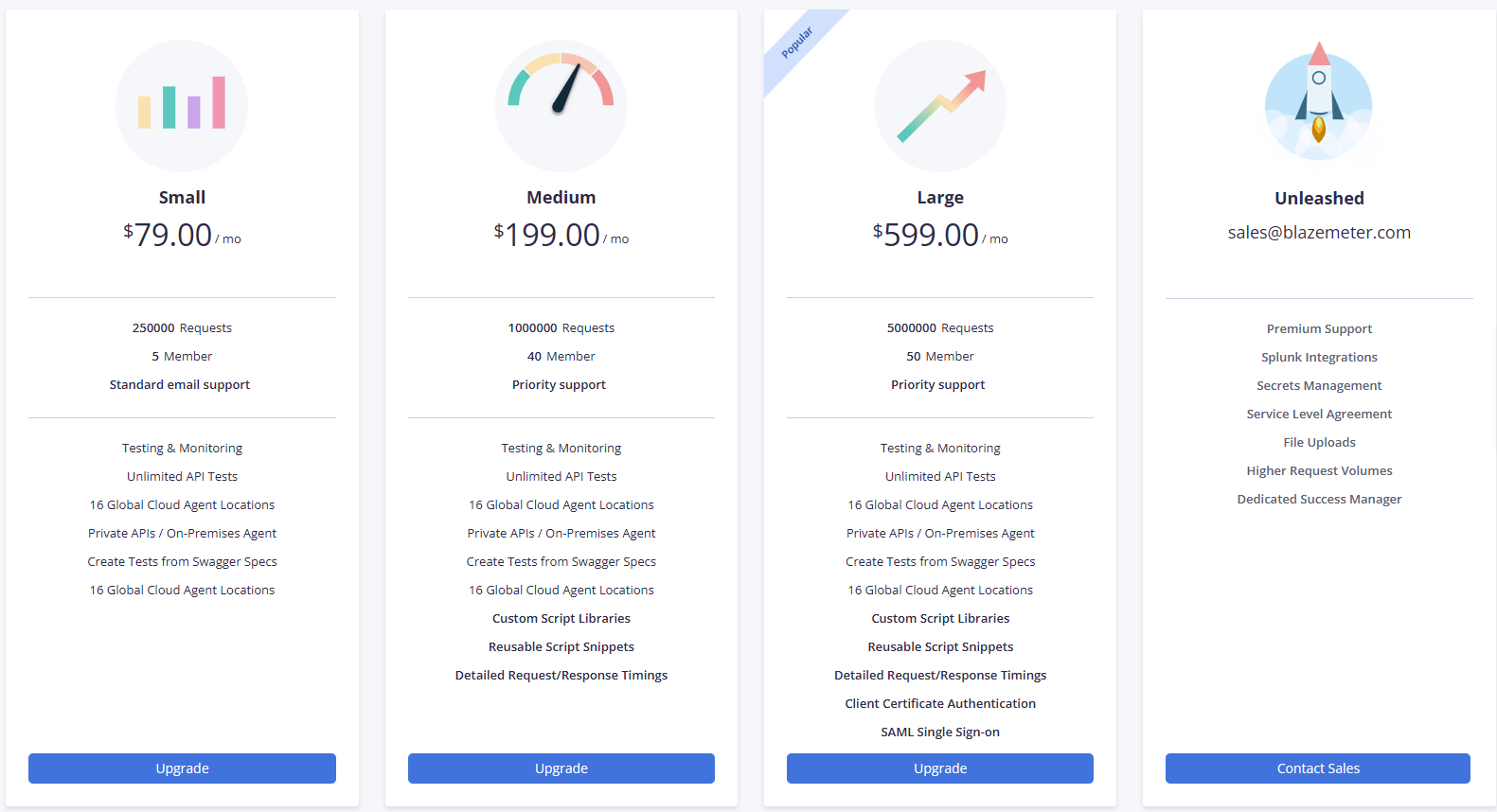
-
Enter the details of the customer making the purchase, including name and address, and click Next.
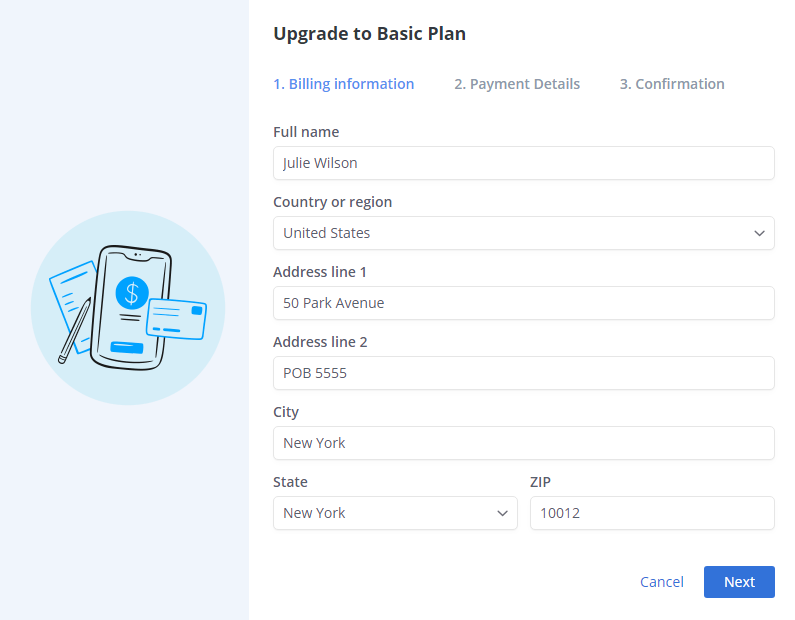
-
Enter a valid credit card number, the expiration date of the card, and the security code on the back of the card, then click Next.
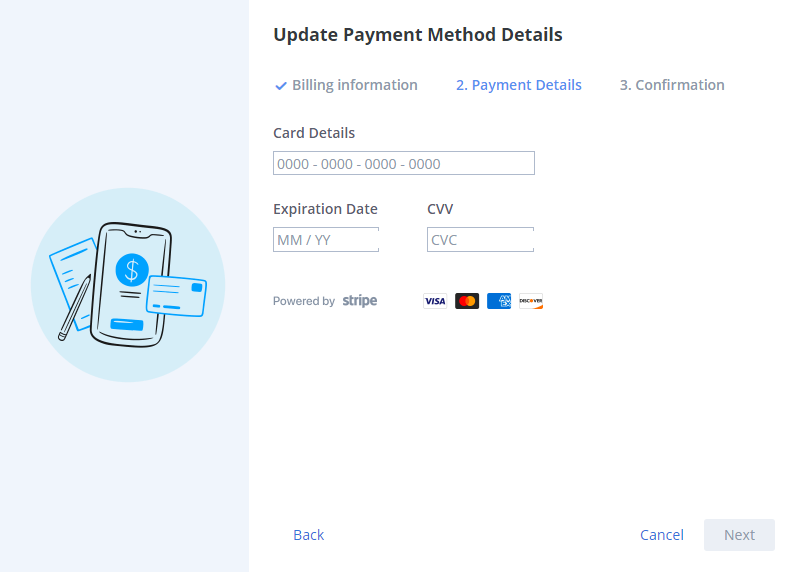
-
Check that the entered information is correct, then click Upgrade. The purchasing process is complete.
Update your billing details
If there are changes in the billing details of an existing plan, follow the steps outlined in Purchasing process for BlazeMeter digital plans.
Summary
Your billing details are not visible to any other users. Even admin users cannot see this information. In case there are any changes in the billing details or payment information, you can always go back and edit them.